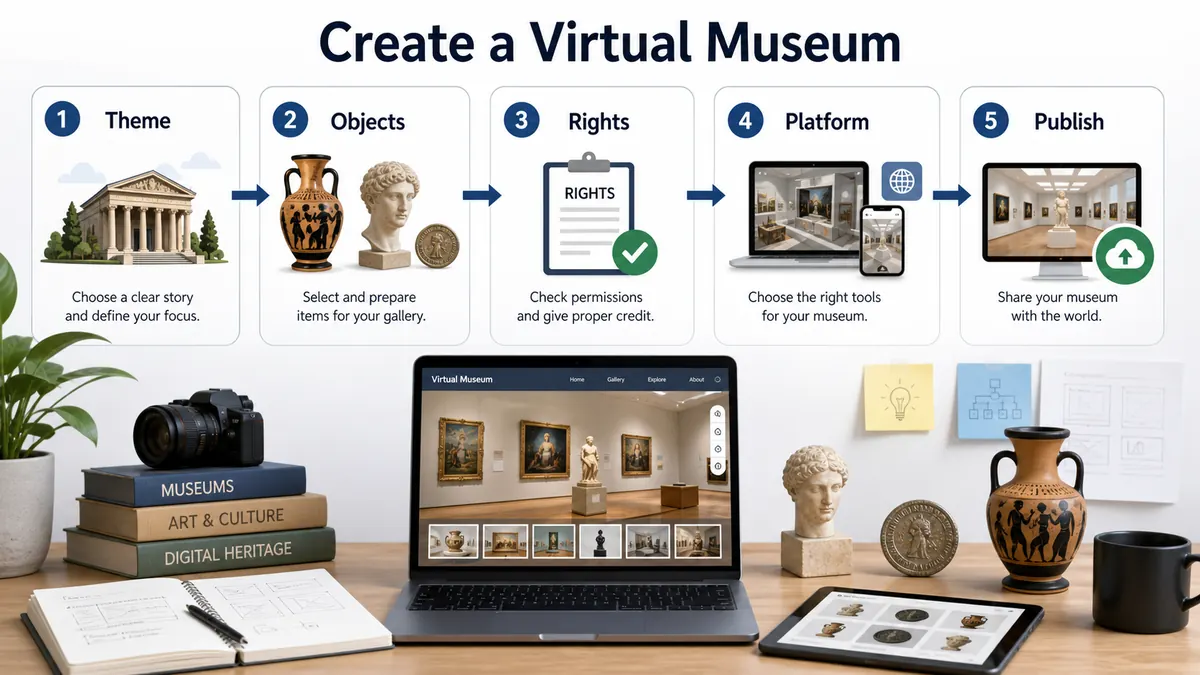
This guide shows a practical path for creating a virtual museum. It works for a student project, a class activity, a small collection, or a more serious digital exhibit.
Start with a theme, choose a small set of objects, check image rights, write short labels, choose a platform, then publish a simple first version.
Quick Index
| Resource | Place | Type | Main Use | Why it is useful |
|---|---|---|---|---|
| Google Slides | Global | template tool | creation | Good for a simple room-by-room student museum project. |
| Canva | Global | template tool | creation | Useful for visual exhibit cards, posters, and simple layouts. |
| Artsteps | Global | 3D platform | creation | A direct way to make a simple walkable online gallery. |
| ThingLink | Global | hotspot platform | creation | Good for annotated images, 360 scenes, and guided hotspots. |
| Panoee | Global | 360 platform | creation | Useful when a project starts from panoramic photos. |
| Omeka | Global | open source | collections | Made for digital collections, archives, and public object records. |
| CollectionBuilder | Global | open source | collections | A static digital collection path for metadata-driven projects. |
| Matterport | Global | 3D scan | creation | Useful when the physical space needs smooth 3D capture. |
| Marzipano | Global | open source | 360 | A browser panorama viewer for custom 360 tours. |
| Three.js | Global | code library | 3D | A flexible path for custom browser-based 3D gallery prototypes. |
| Smithsonian Open Access | United States | open collection | collections | Open images and data for research, study, and creative projects. |
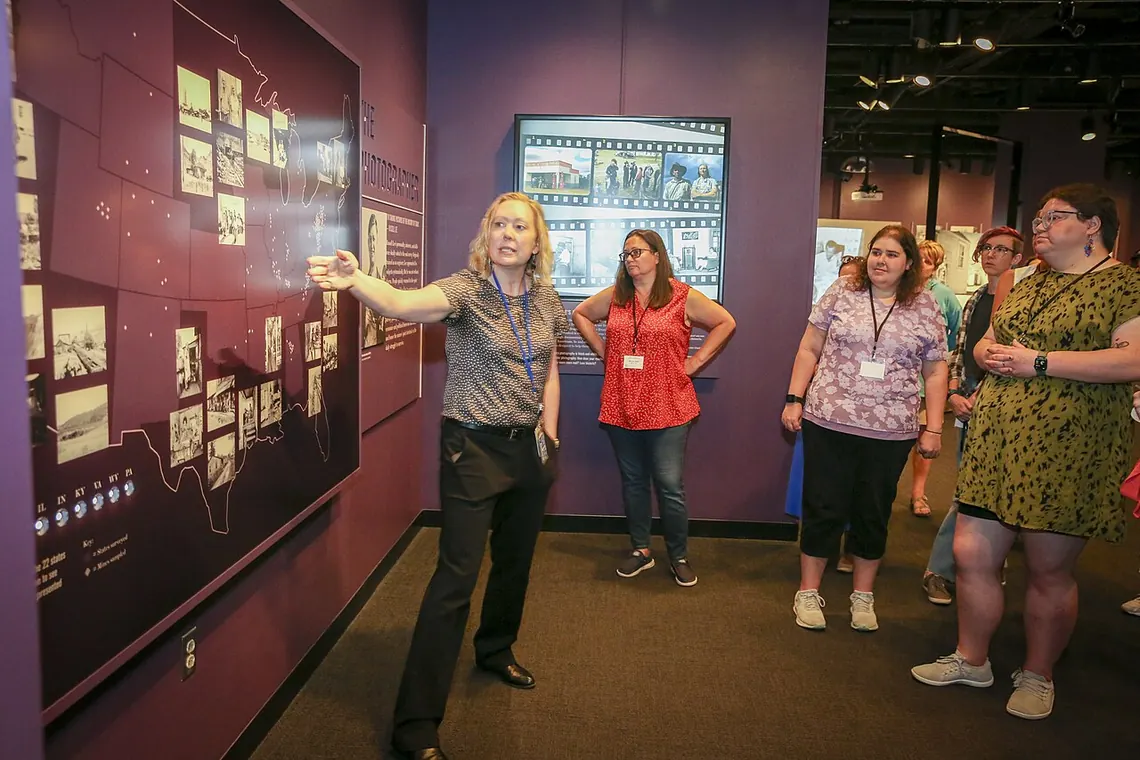
Simple creation path
A beginner can use Slides, Canva, or PowerPoint. A museum or archive can use Omeka or CollectionBuilder. A spatial tour can use Artsteps, Panoee, Kuula, Matterport, or a custom 3D tool.
Do not skip rights and captions
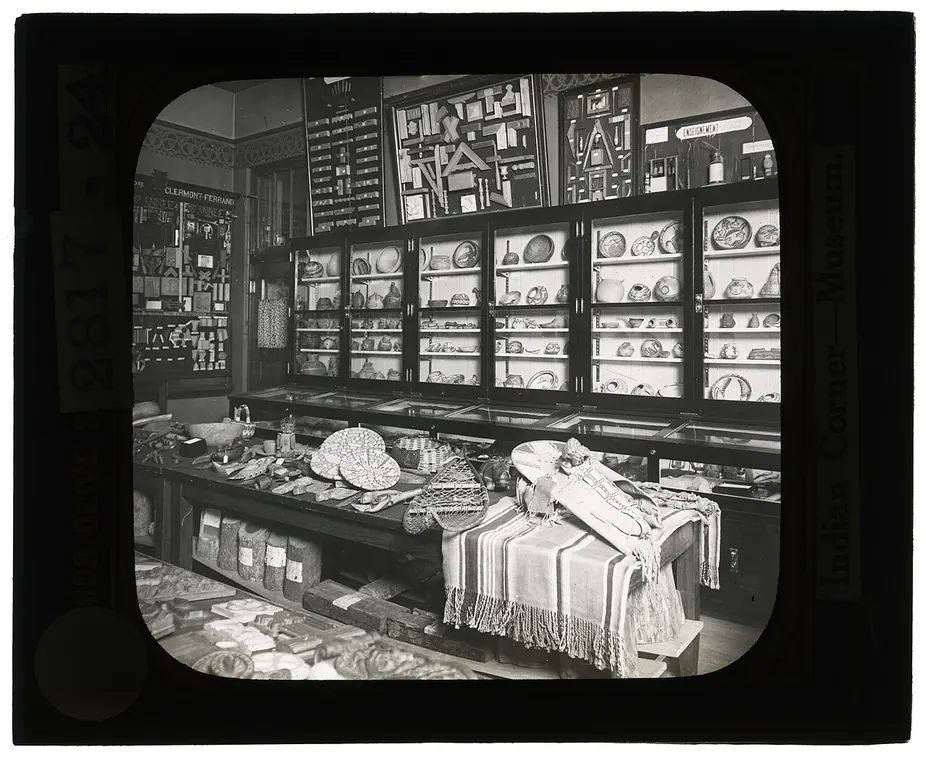
Every object needs a source, a label, and a clear reason to appear in the exhibit. This keeps the museum useful rather than decorative.
Step-by-Step Route
- Choose one audience and theme.
- Select eight to twenty objects.
- Check source and image rights.
- Choose a platform that matches skill and budget.
- Publish a small version and improve it after feedback.
How to Use This Page
Open the official page from the index, check the access note, and choose one clear goal before starting. For a visit, the goal can be a room, a collection, or one question. For a class, the goal should be a short task. For a creator, the goal should be an example to study, not a page to copy.
Suggested Route
- If the reader wants to visit now, start with the broadest official resource in the index.
- If the reader wants to compare options, open three resources from different types.
- If the reader wants a class activity, choose one resource and prepare a worksheet.
- If the reader wants to make a project, collect examples first and then choose a tool.
Related Guides
FAQ
What is the easiest way to create a virtual museum?
For a class project, use Google Slides or Canva. For a public collection, consider Omeka or CollectionBuilder.
How many objects are needed?
A small first version can work with eight to twenty objects.
Do I need 3D?
No. A clear object-based exhibit can be more useful than a slow 3D room.